Lines on prints
The direction of the lines tells you the cause.
Horizontal lines
Horizontal lines on your photos usually come from the brightness of the room.
- Move the booth to a brighter area, and/or
- Open Print Customisation and increase Brightness Control. It goes up to 200%.
- Optionally, change Image Smoothing to reduce banding in darker prints.
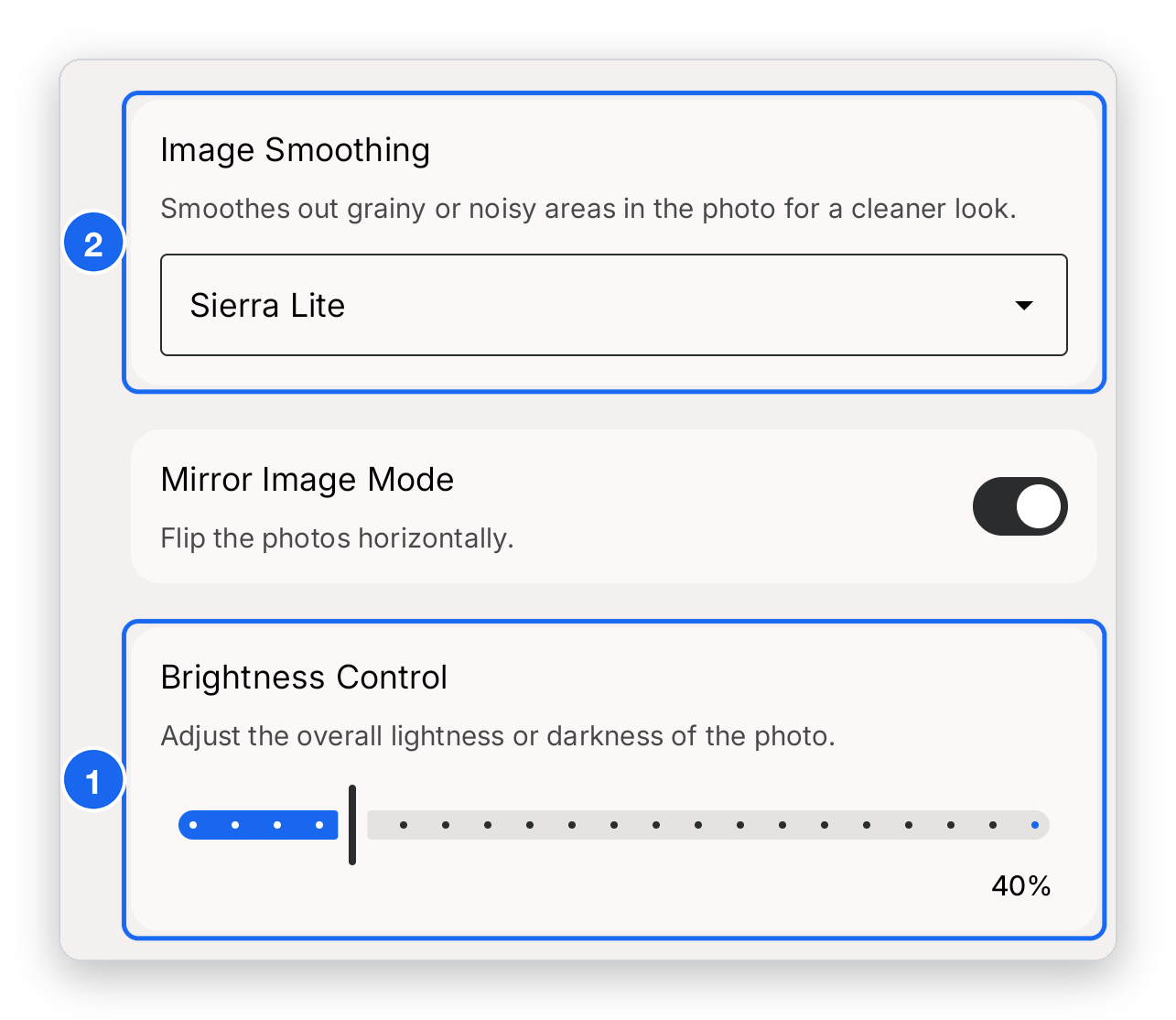
- Brightness Control — drag the slider to the right to make prints lighter (up to 200%).
- Image Smoothing — open the drop-down and try a different option if the darker areas still look stripy.
Not sure where to find it? It is under Print Customisation in the sidebar.
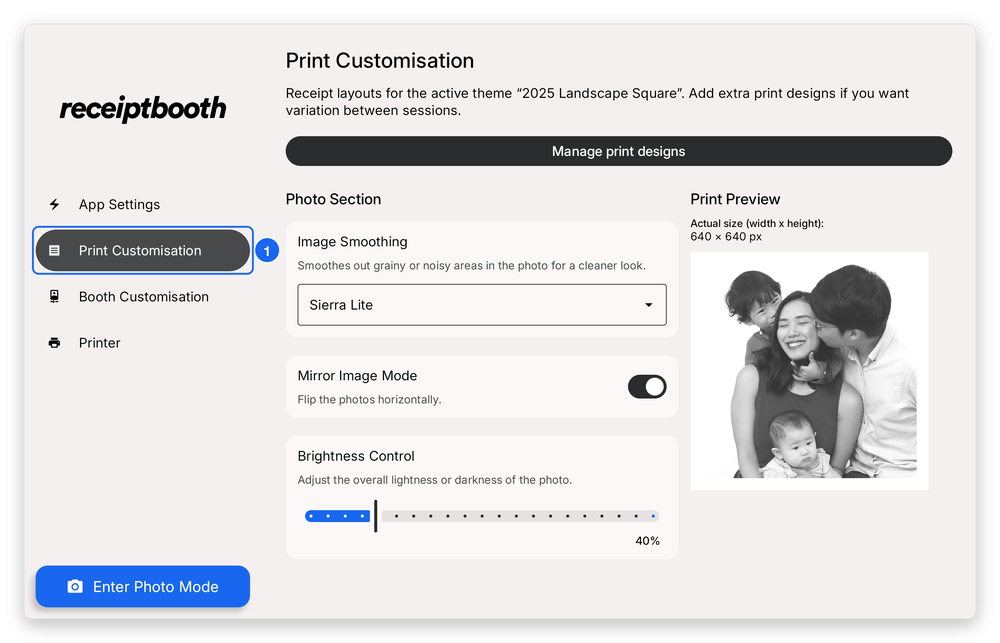
- Print Customisation — tap it in the sidebar to open these settings.
Vertical lines
Vertical lines point to a printer head that is not working properly. Your booth may need a maintenance check at a service centre. Contact support first, with a photo of the print, and we will advise.